Home
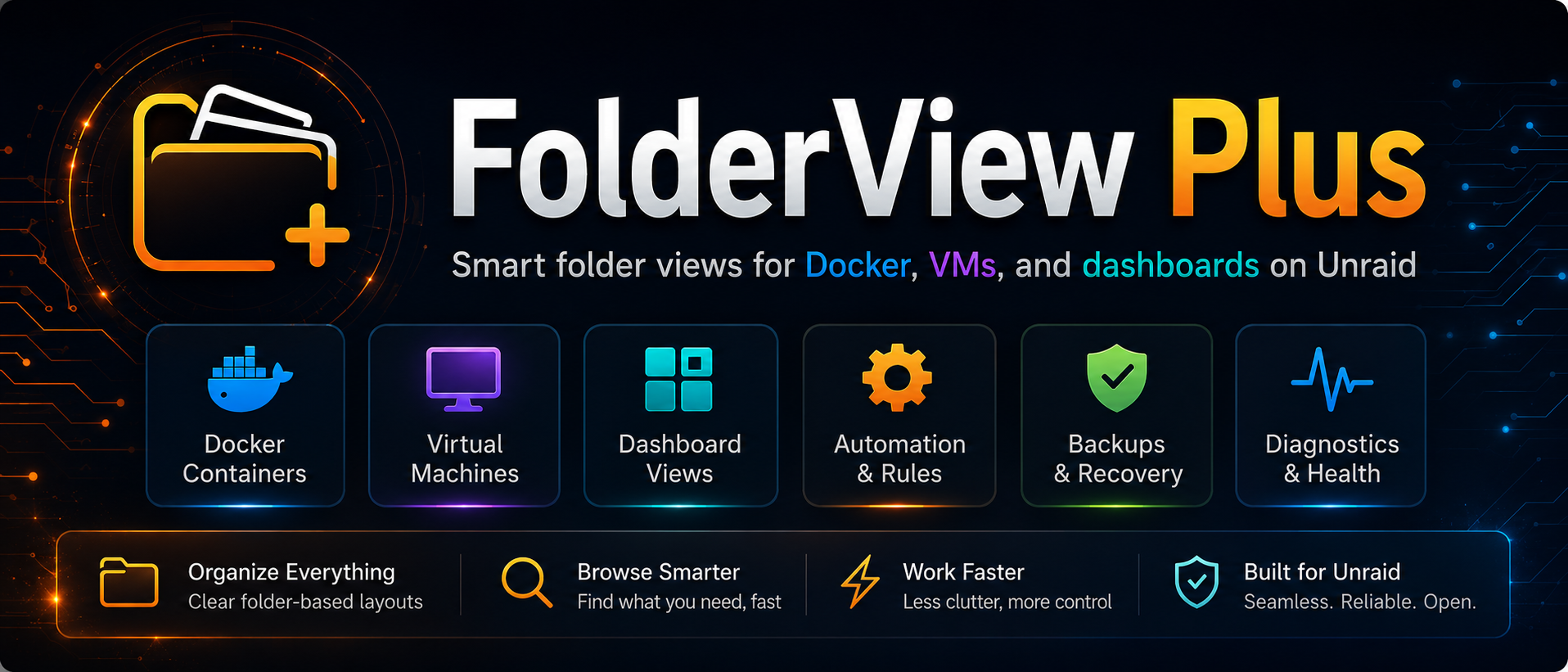
FolderView Plus is a folder-first organization and management plugin for Unraid. It groups Docker containers, virtual machines, and Dashboard items into readable nested folders while adding guided setup, automation, runtime actions, backups, privacy controls, diagnostics, and recovery tools.
Documentation scope: this wiki follows the latest implemented FolderView Plus behavior. If an older installed version does not show a documented control, update the plugin before troubleshooting the missing control. Release notes remain the record of when each feature was introduced.
This wiki is written for users first. Start with the path that matches what you are trying to do:
| I want to… | Start here |
|---|---|
| Install the plugin safely | Installation and Upgrades |
| Set it up for the first time | Getting Started |
| Understand every Settings area | Settings Reference |
| Create, nest, and order folders | Folder Management |
| Customize a folder | Folder Editor |
| Organize many items automatically | Automation, Rules, and Templates |
| Protect or move my configuration | Backup, Recovery, and Migration |
| Move from FolderView3 | FolderView3 Migration |
| Fix a problem | Troubleshooting |
| Prepare a useful support request | Activity, Diagnostics, and Support |
| Contribute code or translations | Development and Architecture |
- Docker: FolderView, Host list, and Command views; folder-level actions; health summaries; privacy masking; Docker start order.
- Virtual machines: nested organization, actions, health/resource summaries, autostart visibility, and Dashboard grouping.
- Dashboard: saved Docker and VM folders rendered as cards with multiple layouts, previews, expansion memory, and quick controls.
- Settings: Basic folder management plus Advanced Automation, Rules, Recovery, Operations, Start Order, Appearance, and Diagnostics workspaces.
- Install the stable release.
- Open
Settings -> FolderView Plus. - Run the Setup Assistant, or create two or three folders manually.
- Check the layout on Docker, VMs, and Dashboard.
- Create a manual recovery snapshot.
- Add rules or bulk assignments only after the manual layout behaves as expected.
Uninstall warning: uninstalling deletes
/boot/config/plugins/folderview.plus, including FolderView Plus configuration, local backups, saved templates, uploaded icons, and overrides. An environment export does not contain every file in that directory. For complete preservation, copy the entire directory off-server before uninstalling. Normal updates preserve it.
Public support warning: review every diagnostic preview before sharing it. Use a sanitized support bundle for public reports and never post credentials, tokens, cookies, private URLs, or raw configuration exports.
- Unraid 7.0.0 or newer.
- A current major Chrome, Edge, Firefox, or Safari browser.
- Stable releases come from
main;devis for directed prerelease testing. - GitHub issue forms
- Unraid community support thread
- Latest releases
FolderView Plus is released under the MIT License. Development is hosted at alexphillips-dev/FolderView-Plus. If the plugin is useful to you, optional project support is available through Buy Me a Coffee.
The wiki describes the latest current behavior. The source repository remains authoritative for technical contracts, while GitHub releases record version-specific changes.