




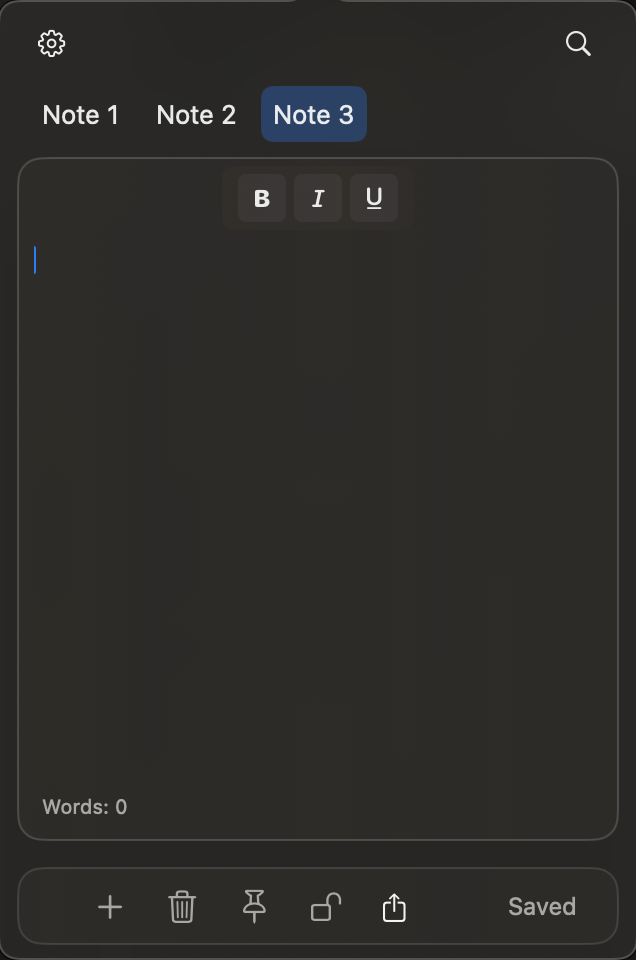
DropNote is a native macOS menu bar app for quick notes and todos. It lives in your menu bar and gives you instant access to your thoughts without opening a full app or breaking your focus.
Built with SwiftUI and AppKit — fast, lightweight, and local-first. Your notes never leave your Mac.
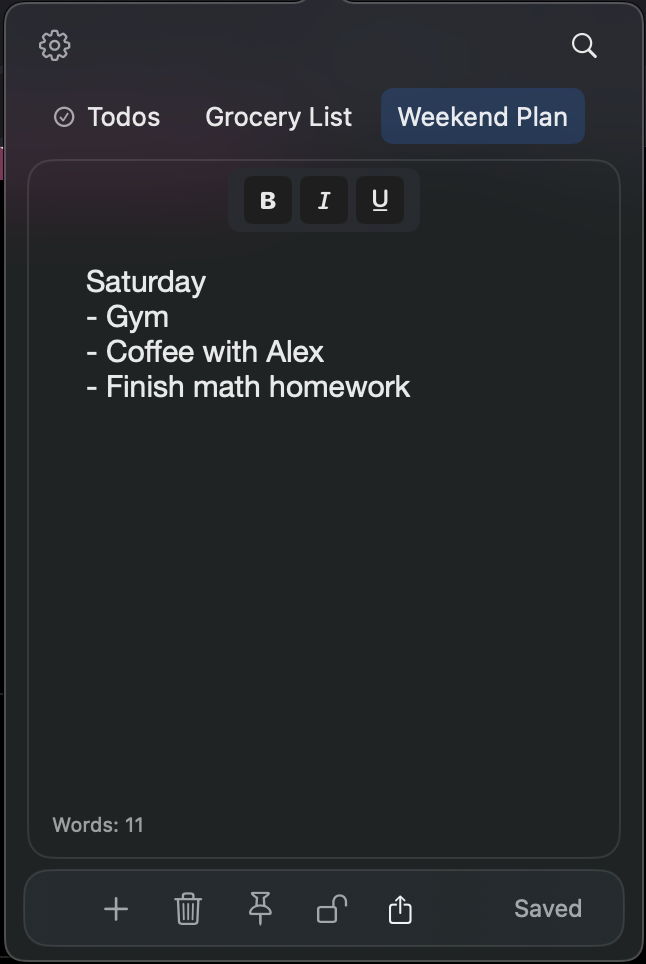
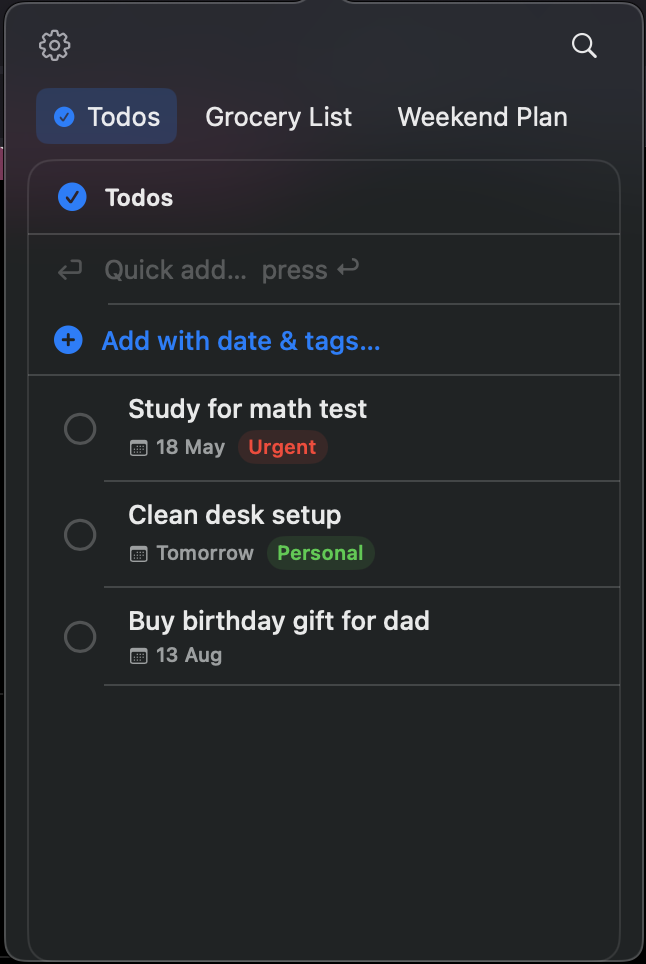
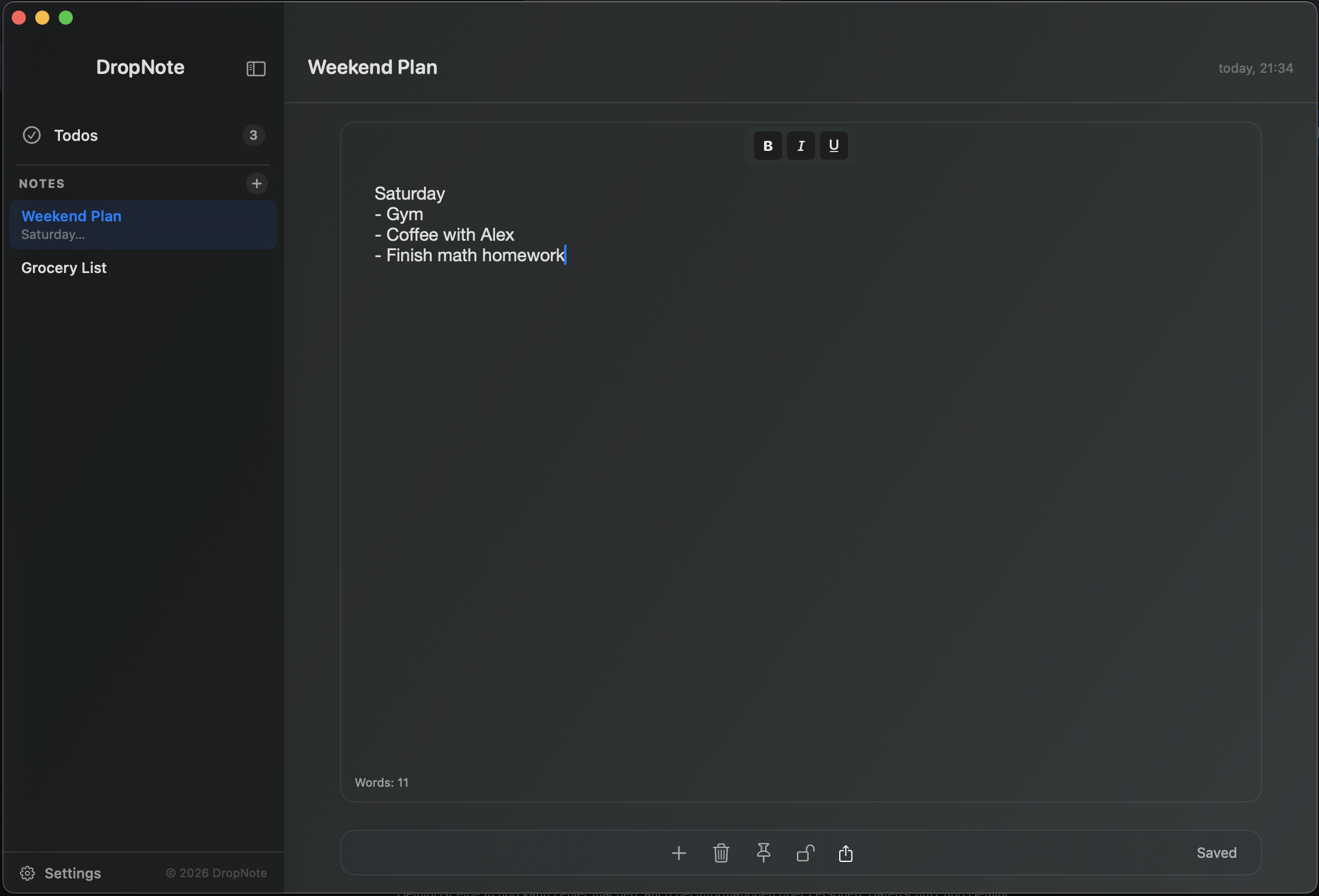
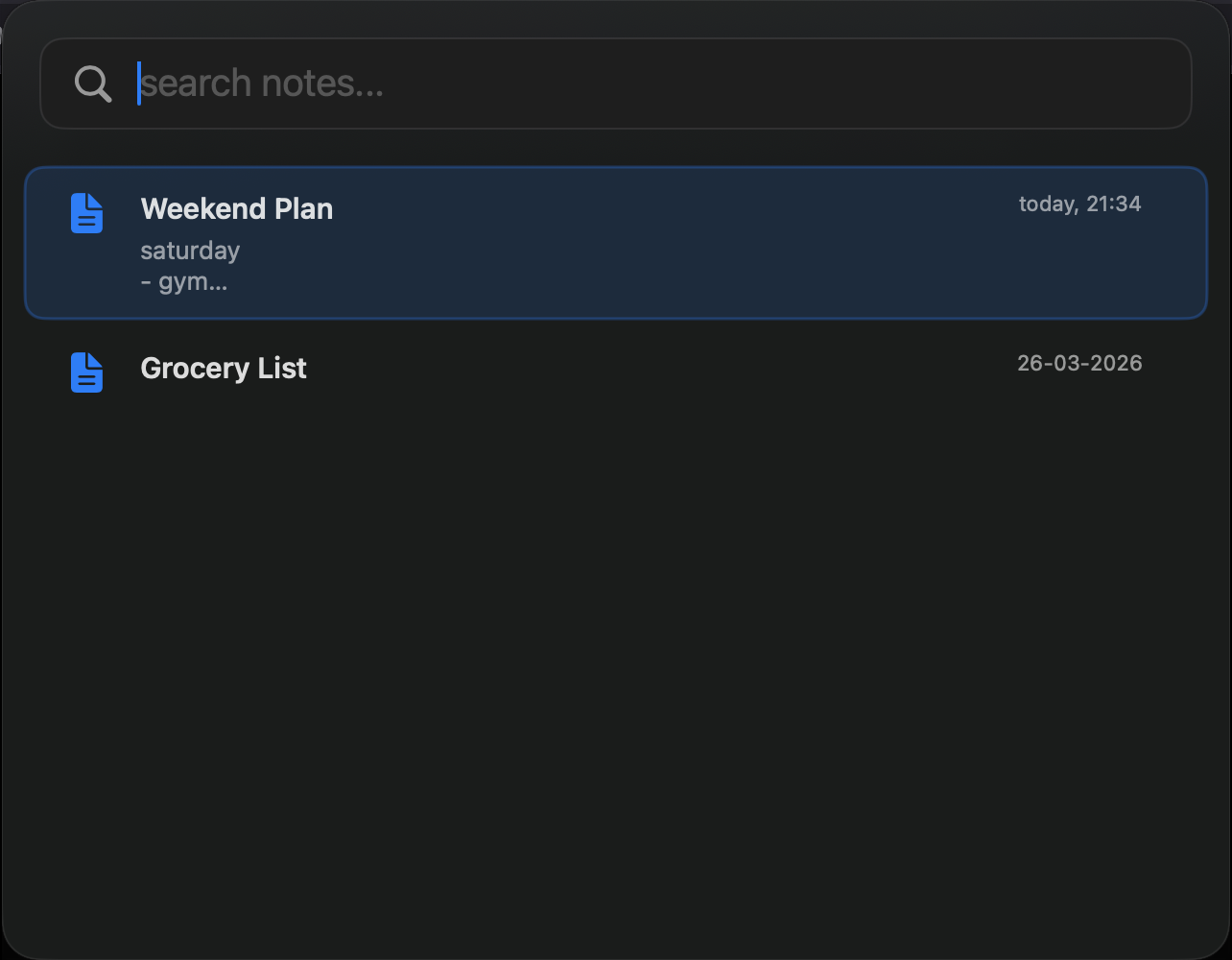
Capture & organize
| Feature | Description |
|---|---|
| Instant access | One click from the menu bar — always within reach |
| Notes & todos | Free-form notes and structured task lists in one app |
| Tabs & pinned notes | Keep important notes at the top; drag to reorder |
| Full-text search | Find any note or todo instantly with ⌘ + ⌥ + F |
| Full window mode | Distraction-free writing with ⌘ + ⌥ + N |
Write
| Feature | Description |
|---|---|
| Rich text editing | Bold, italic, underline — no Markdown required |
| Live Markdown | Type **bold** and it formats as you go, no mode to toggle |
| Inline link previews | Paste a link to get a title-and-favicon card right beneath it |
| Version history | The last 10 local snapshots of each note, one click to restore |
| Voice transcription | Live speech-to-text in multiple languages |
Keep it yours
| Feature | Description |
|---|---|
| Self-destructing notes | Set an expiry — DropNote notifies you, then removes the note |
| Floating notes | Pin an editable note above every window while you work |
| Note locking | Password or Touch ID protection per note |
| Custom accent color | Pick your own accent across the whole app |
| Menu bar badge | An accent dot shows when you have open todos |
| Export | Save notes as .txt or formatted .pdf |
| Local-first | No accounts, no cloud, no tracking — ever |
Get DropNote from the Mac App Store — automatic updates, no Gatekeeper prompts.
- Download
DropNote-v2.8.zipfrom Releases - Unzip and move DropNote.app to your Applications folder
- On first launch: right-click → Open to bypass Gatekeeper
git clone https://github.com/bastian-js/dropnote.git
open dropnote.xcodeproj
Build and run with ⌘ + R in Xcode 15+.
| Language | Swift 5.9 |
| UI Framework | SwiftUI + AppKit |
| Storage | Local file system |
| Minimum OS | macOS 10.15 Catalina |
Contributions are welcome. If you find a bug or have a feature request, please open an issue before submitting a pull request.
Source-available under a custom non-commercial license.
- ✅ Free to use and modify for personal, non-commercial use
- ❌ Commercial use, redistribution, or monetization requires explicit permission
See LICENSE for the full terms.
App & menu bar icon based on "sticky_note_2" from Google Material Icons (Apache License 2.0), modified using icon.kitchen.