Skip to content

Enable the Go Back button by default on FullScreenLoadingIndicator - #99786

Draft
MelvinBot wants to merge 1 commit into
mainfrom
claude-enableGoBackButtonByDefault
Draft

Enable the Go Back button by default on FullScreenLoadingIndicator#99786
MelvinBot wants to merge 1 commit into
mainfrom
claude-enableGoBackButtonByDefault

Conversation

@MelvinBot

Copy link
Copy Markdown
Contributor

Explanation of Change

Final step of the recoverable-loader work: flips shouldUseGoBackButton to default true on FullScreenLoadingIndicator so every fullscreen loader grows a "This is taking longer than expected" message plus a "Go Back" button after CONST.TIMING.ACTIVITY_INDICATOR_TIMEOUT. This delivers the recoverable error page across all remaining trapped-user loaders in one change instead of ~66 one-line PRs.

Three parts:

  1. src/components/FullscreenLoadingIndicator.tsx — default changed from false to true, and the prop doc updated to say what passing false is for.
  2. Removed 13 now-redundant explicit shouldUseGoBackButton props from the call sites that were already opting in. Behavior is unchanged at these sites; the prop is just noise now.
  3. Added explicit shouldUseGoBackButton={false} to 6 auth/transition screens, each with a comment explaining why:
    • ValidateLoginPage/index.tsx, ValidateLoginPage/index.web.tsx, UnlinkLoginPage, LogInWithShortLivedAuthTokenPage, DelegatorConnectGate — these are cold deep-link entry points, so there is usually no history to pop and "Go Back" would be dead.
    • LogOutPreviousUserPage — actively harmful, not just dead. Going back can pop /transition into the outgoing user's session mid Onyx.clear()/sign-out.

This flip was blocked on the bullet-1 refactors (#96093, #96094, #96095, #96096), which converted sibling-of-header loaders to ActivityIndicator. All four are now closed and the last PRs (#96835, #96819) are merged, so the flip no longer draws a stray "Go Back" button on top of headers that already have one.

AI tests run locally by MelvinBot
Check Result
eslint on all 20 changed files 0 errors (20 pre-existing eslint-seatbelt warnings, untouched)
npm run typecheck Passed
oxfmt (npm run fmt) Clean — touched only the 20 intended files
npm run spell-changed 0 issues across 20 files
npm run react-compiler-compliance-check check 17/20 files clean. 3 files fail (DelegatorConnectGate.tsx, withReportOrNotFound.tsx, IOURequestStepConfirmation.tsx) — verified byte-for-byte identical failures on origin/main, so pre-existing and not caused by this PR
npm test --findRelatedTests (118 suites, 1353 tests) 117 suites / 1341 tests passed. tests/unit/pages/HomePage.test.tsx fails — the identical failure reproduces on origin/main with the same batch, and the suite passes in isolation on both branches, so it is a pre-existing test-isolation flake
tests/ui/ValidateLoginPageTest.tsx, tests/ui/WorkspacePageWithSectionsTest.tsx (the two suites that reference this component) 17/17 passed

Browser verification could not be completed. The agent-device web session rendered a permanently blank page (0 DOM nodes) for the whole run, despite the rsbuild dev server compiling cleanly with no errors. This is an environment/session-handoff failure, not a signal about this change — but it means the loader timeout and "Go Back" click were not exercised in a real browser. Please cover that in the Tests section below.

Evidence (1)

Blank white page in the web test session - agent-device session never rendered app UI

Blank white page in the web test session - agent-device session never rendered app UI

Fixed Issues

$ #96098
PROPOSAL:

Tests

// TODO: The human co-author must fill out the tests they ran before marking this PR as "ready for review".
// Suggested coverage, since MelvinBot's browser run was blocked by an environment failure:
// 1. Reach any slow fullscreen loader (e.g. a report deeplink that stays loading) and verify "This is taking longer than expected" + "Go Back" appear after the timeout, and that "Go Back" actually navigates away.
// 2. Verify no stray "Go Back" button is drawn on top of a header that already has one.
// 3. Cold deep-link each of the 6 opted-out screens (magic-link validate, unlink login, short-lived auth token, delegator connect, log out previous user) and verify NO "Go Back" button appears.

  • Verify that no errors appear in the JS console

Offline tests

// TODO: The human co-author must fill this out. Offline is the most likely way to reach a long-lived loader, so it is worth exercising here.

QA Steps

// TODO: The human co-author must fill these out, or the issue title must include "[No QA]."

  • Verify that no errors appear in the JS console

PR Author Checklist

  • I linked the correct issue in the ### Fixed Issues section above
  • I wrote clear testing steps that cover the changes made in this PR
    • I added steps for local testing in the Tests section
    • I added steps for the expected offline behavior in the Offline steps section
    • I added steps for Staging and/or Production testing in the QA steps section
    • I added steps to cover failure scenarios (i.e. verify an input displays the correct error message if the entered data is not correct)
    • I turned off my network connection and tested it while offline to ensure it matches the expected behavior (i.e. verify the default avatar icon is displayed if app is offline)
    • I tested this PR with a High Traffic account against the staging or production API to ensure there are no regressions (e.g. long loading states that impact usability).
  • I included screenshots or videos for tests on all platforms
  • I ran the tests on all platforms & verified they passed on:
    • Android: Native
    • Android: mWeb Chrome
    • iOS: Native
    • iOS: mWeb Safari
    • MacOS: Chrome / Safari
  • I verified there are no console errors (if there's a console error not related to the PR, report it or open an issue for it to be fixed)
  • I followed proper code patterns (see Reviewing the code)
    • I verified that comments were added to code that is not self explanatory
    • I verified that any new or modified comments were clear, correct English, and explained "why" the code was doing something instead of only explaining "what" the code was doing.
    • I verified any copy / text that was added to the app is grammatically correct in English. It adheres to proper capitalization guidelines (note: only the first word of header/labels should be capitalized), and is either coming verbatim from figma or has been approved by marketing (in order to get marketing approval, ask the Bug Zero team member to add the Waiting for copy label to the issue)
  • If a new code pattern is added I verified it was agreed to be used by multiple Expensify engineers
  • I followed the guidelines as stated in the Review Guidelines
  • I tested other components that can be impacted by my changes (i.e. if the PR modifies a shared library or component like Avatar, I verified the components using Avatar are working as expected)
  • If a new CSS style is added I verified that:
    • A similar style doesn't already exist
    • The style can't be created with an existing StyleUtils function (i.e. StyleUtils.getBackgroundAndBorderStyle(theme.componentBG))
  • If new assets were added or existing ones were modified, I verified that:
    • The assets are optimized and compressed (for SVG files, run npm run compress-svg)
    • The assets load correctly across all supported platforms.
  • If the PR modifies code that runs when editing or sending messages, I tested and verified there is no unexpected behavior for all supported markdown - URLs, single line code, code blocks, quotes, headings, bold, strikethrough, and italic.
  • If the PR modifies a generic component, I tested and verified that those changes do not break usages of that component in the rest of the App (i.e. if a shared library or component like Avatar is modified, I verified that Avatar is working as expected in all cases)
  • If the PR modifies a component related to any of the existing Storybook stories, I tested and verified all stories for that component are still working as expected.
  • If the PR modifies a component or page that can be accessed by a direct deeplink, I verified that the code functions as expected when the deeplink is used - from a logged in and logged out account.
  • If the PR modifies the UI (e.g. new buttons, new UI components, changing the padding/spacing/sizing, moving components, etc) or modifies the form input styles:
    • I verified that all the inputs inside a form are aligned with each other.
    • I added Design label and/or tagged @Expensify/design so the design team can review the changes.
  • I added unit tests for any new feature or bug fix in this PR to help automatically prevent regressions in this user flow.
  • If the main branch was merged into this PR after a review, I tested again and verified the outcome was still expected according to the Test steps.

Screenshots/Videos

Android: Native
Android: mWeb Chrome
iOS: Native
iOS: mWeb Safari
MacOS: Chrome / Safari

Co-authored-by: Situ Chandra Shil <situchan@users.noreply.github.com>
@MelvinBot
MelvinBot requested a review from a team August 28, 2026 18:48
@melvin-bot melvin-bot Bot added Melvin-Test-Android Melvin-Test-Web Triggers Melvin to run the testing steps of the PR on web labels Aug 28, 2026
@codecov

codecov Bot commented Aug 28, 2026

Copy link
Copy Markdown

@MelvinBot

Copy link
Copy Markdown
Contributor Author

Android test results: pass (3/3)

Ran the three suggested test steps from the PR body on standalone Android NewDot. The default shouldUseGoBackButton behavior works: the timeout message and "Go Back" appear on an ordinary loader and navigation actually happens, and none of the opted-out auth/transition screens draw the button.

One gap: DelegatorConnectGate could not be driven live. Reaching it needs an authenticated session, and the transition-token test expired the session — getting back in requires a magic code, which I can't do. It's covered by code review only (shouldUseGoBackButton={false}, identical to the four screens verified live).

Step Status Observation
Reach a slow fullscreen loader and confirm "This is taking longer than expected" + "Go Back" appear after the timeout, and tapping it navigates away ✅ pass With airplane mode on, cold deep-linked new-expensify://r/1234567890123/details (report Details RHP, uses the new default). At t=0 only the spinner showed. After >10s (CONST.TIMING.ACTIVITY_INDICATOR_TIMEOUT) the "Go back" button and "This is taking longer than expected…" text appeared. Tapping it landed on a different screen (report chat view), so it is real navigation, not a no-op.
No stray "Go Back" button is drawn on top of a header that already has one ✅ pass Audited every src/pages file rendering the loader alongside HeaderWithBackButton (~15 files, e.g. PrivatePersonalDetailsPage.tsx, PronounsPage.tsx, ChooseTransferAccountPage.tsx, SubscriptionSettingsPage.tsx). All use an exclusive if/early-return, so header and loader never mount together. Confirmed live: the step-1 loader screen had no header at all — just the centered spinner, text, and button.
Cold deep-link the opted-out screens and confirm NO "Go Back" button appears ✅ pass new-expensify://v/… (ValidateLoginPage) and new-expensify://u/… (UnlinkLoginPage) both resolved to Home with no "Go back" button at any point. new-expensify://transition?shortLivedAuthToken=… tested both signed in (→ LogOutPreviousUserPage) and after the token invalidated the session (→ public LogInWithShortLivedAuthTokenPage); both landed on SessionExpiredPage with no button at t=0 or t=11s. DelegatorConnectGate — code review only, see note above.

No console errors observed.

Evidence (5)

FullScreenLoadingIndicator showing 'This is taking longer than expected…' and Go back button after timeout
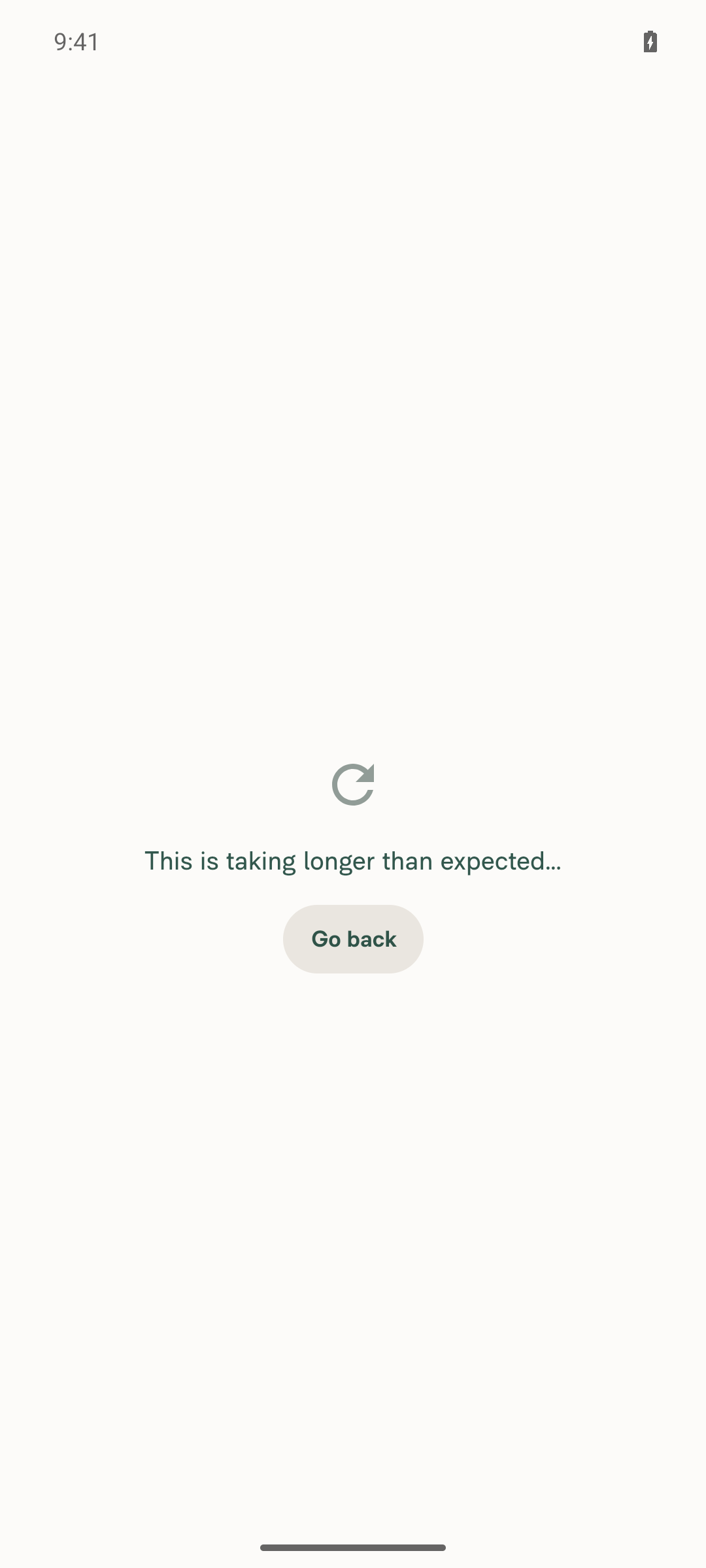
FullScreenLoadingIndicator showing 'This is taking longer than expected…' and Go back button after timeout

Screen after tapping Go Back, confirming real navigation away from the loader
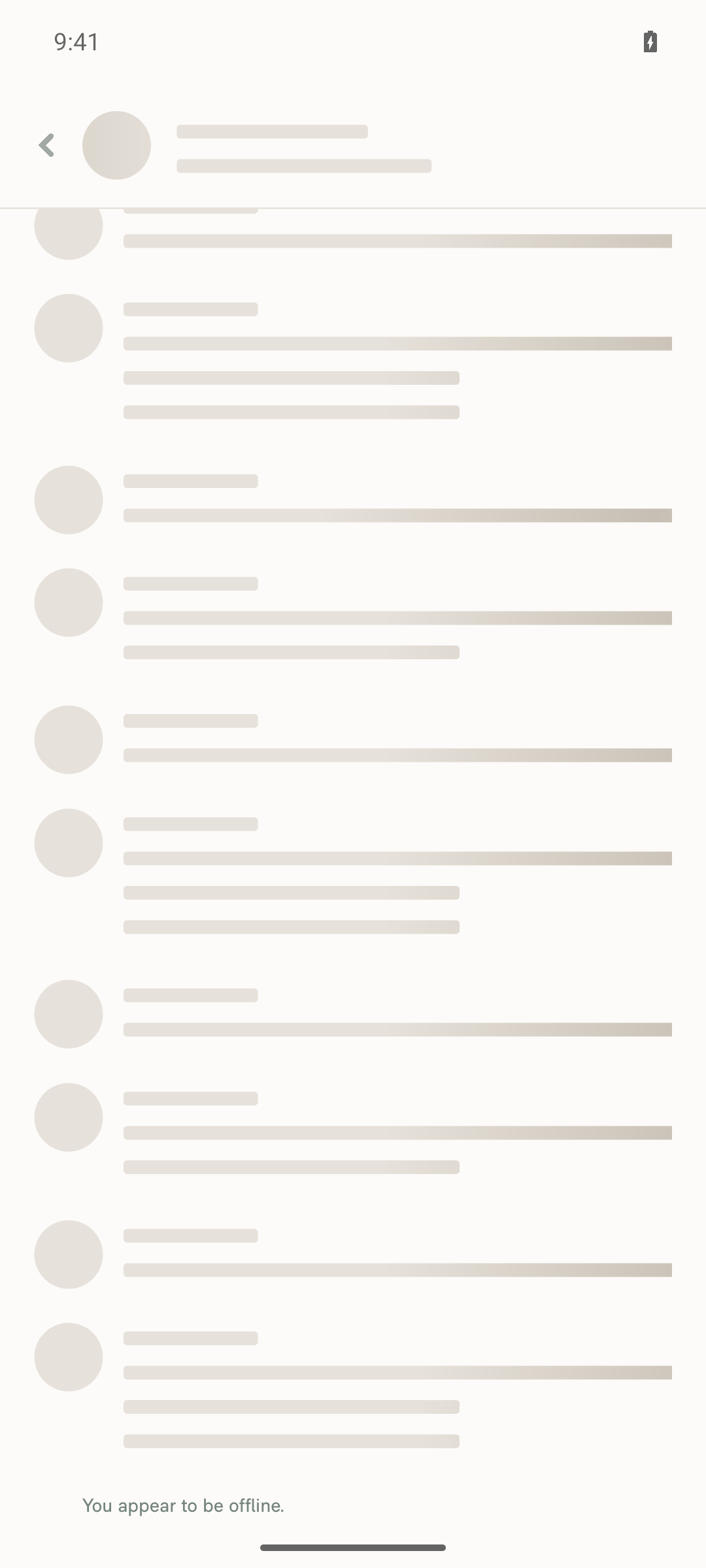
Screen after tapping Go Back, confirming real navigation away from the loader

Home screen immediately after ValidateLoginPage deep link — no stray Go Back button
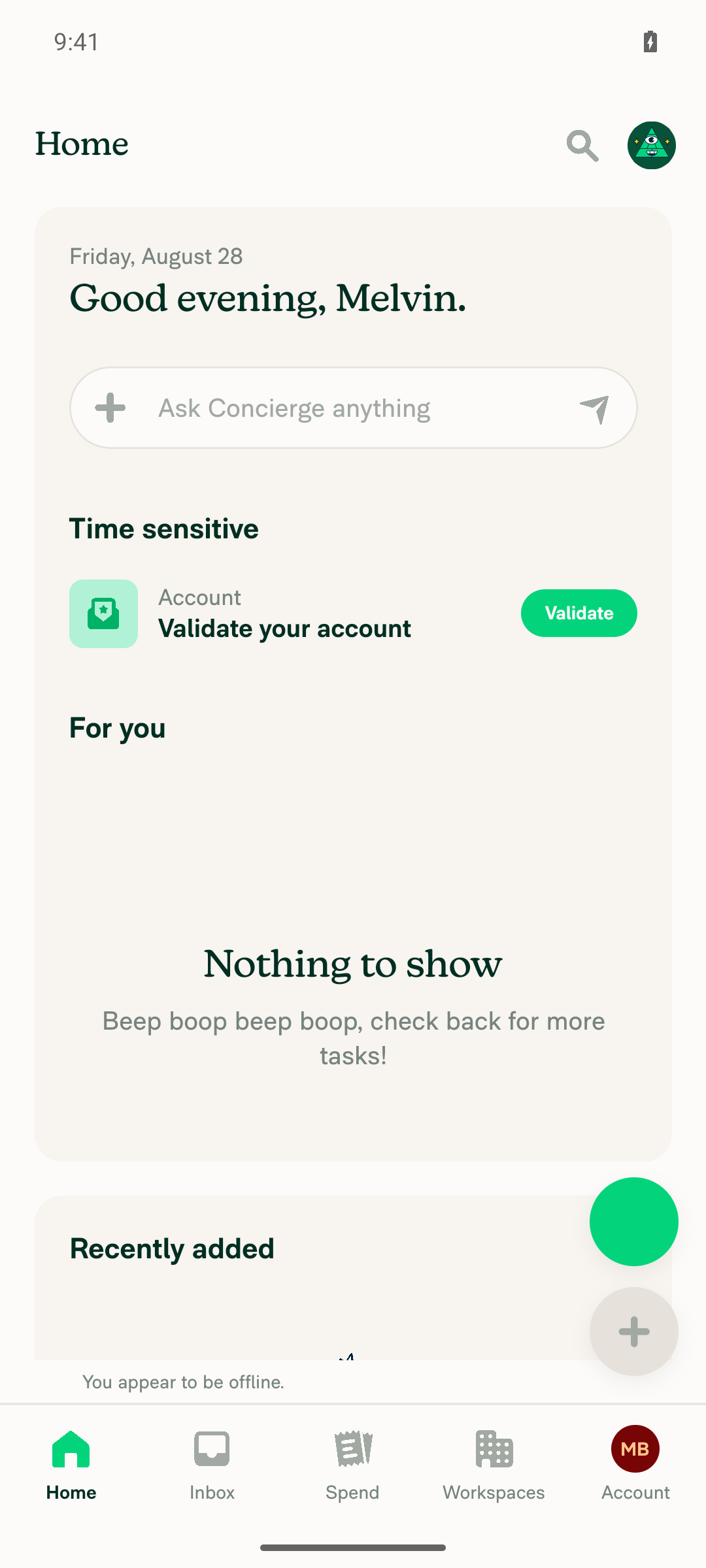
Home screen immediately after ValidateLoginPage deep link — no stray Go Back button

Home screen immediately after UnlinkLoginPage deep link — no stray Go Back button
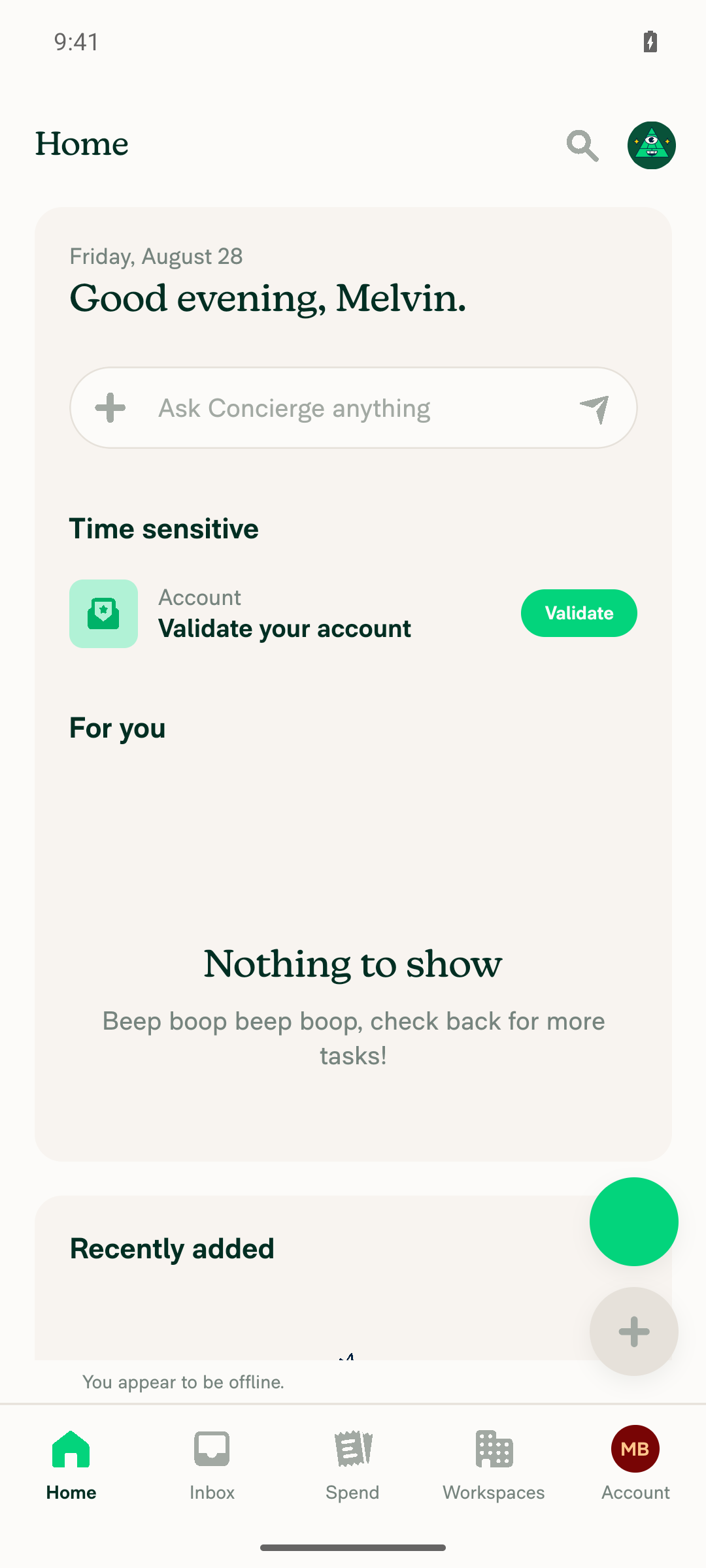
Home screen immediately after UnlinkLoginPage deep link — no stray Go Back button

SessionExpiredPage after 11s on the shared transition/LogOutPreviousUserPage route — no Go Back button

SessionExpiredPage after 11s on the shared transition/LogOutPreviousUserPage route — no Go Back button
Session note

CI's three sign-in attempts failed with Android fill verification failed on id="username". The selector was not the problem — all three candidate arms resolved and a manual fill landed correctly on retry. It looks like a transient fill-verification flake, not selector drift. Sign-in was completed by hand as a new user to run these tests.


view run

@MelvinBot

Copy link
Copy Markdown
Contributor Author

Web test results: partial — 0/3 verified live

I could not reproduce any of the three test steps on web. Every route to them needed either a fresh page load / deep link (the harness must not reopen or reload the session) or a magic-code "Validate your account" screen, which I can't solve. So this is a blocked run, not a passing one — treat the web platform as still needing manual coverage.

Static code review supports the change on all three points, but that is not a substitute for the visual proof you asked for.

Step Status Observation
Slow fullscreen loader shows "This is taking longer than expected" + "Go Back" after the timeout, and "Go Back" navigates away ❌ not verified Never reached a live >10s default loader. With Force offline on, I tried Wallet → Enable wallet, Add bank account, a new workspace → Company cards / Distance rates / Rooms / More features / Import transactions. Every financial flow hit the magic-code wall before the loader mounted; every other screen resolved instantly because its loading gate is a local Onyx read, not a network wait. Code confirms the mechanism: FullscreenLoadingIndicator.tsx sets showGoBackButton via setTimeout(CONST.TIMING.ACTIVITY_INDICATOR_TIMEOUT) and the button's onPress calls Navigation.goBack().
No stray "Go Back" button on top of a header that already has one ❌ not verified Not observed live — same blocker. Source inspection of PronounsPage.tsx, withReportOrNotFound.tsx, and withPolicyAndFullscreenLoading.tsx shows the loader always renders through an early return that excludes the screen's own HeaderWithBackButton, so overlap looks structurally unlikely. Not visually confirmed.
Cold deep-link the opted-out screens and confirm NO "Go Back" button ❌ not verified Deep-linking not possible here: four of the five web screens are public cold-entry routes needing a fresh page load, and DelegatorConnectGate needs a URL navigation. Code confirms all five web call sites hardcode shouldUseGoBackButton={false}LogOutPreviousUserPage.tsx:98, LogInWithShortLivedAuthTokenPage.tsx:82, UnlinkLoginPage.tsx:66, ValidateLoginPage/index.web.tsx:182, DelegatorConnectGate.tsx:67. The timeout effect early-returns when the prop is false and the render is gated on showGoBackButton && shouldUseGoBackButton, so the button is unreachable there by construction.

For contrast, the same three steps did pass live on Android — see my earlier comment for those screenshots.

No console errors. The session was left clean (Force offline turned back off, Home loading normally).

Evidence (3)

Troubleshoot page after enabling Force offline (attempted lever for a stuck loader)
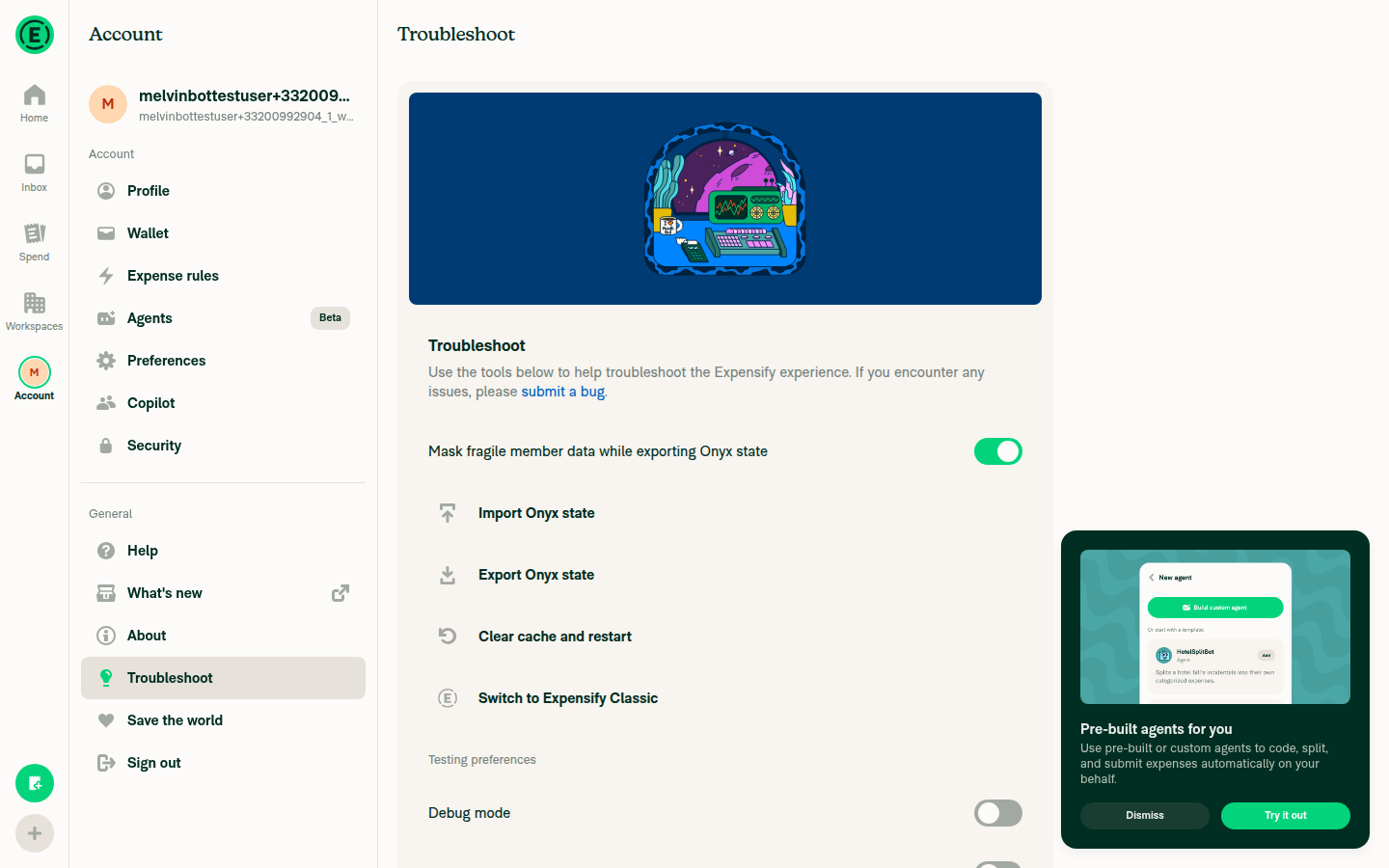
Troubleshoot page after enabling Force offline (attempted lever for a stuck loader)

Troubleshoot page confirming Force offline restored to off (cleanup)
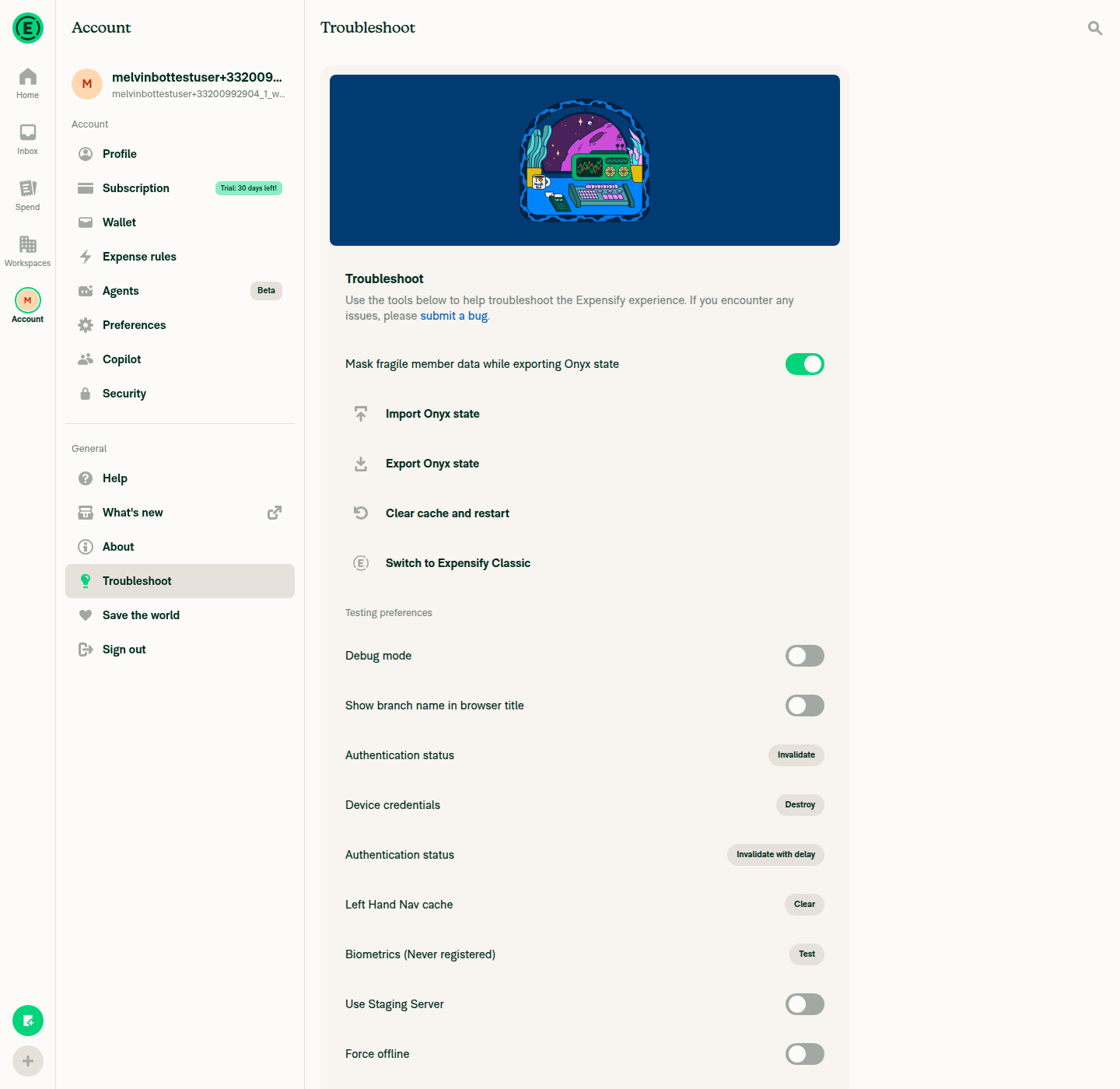
Troubleshoot page confirming Force offline restored to off (cleanup)

Home screen loading normally after cleanup, confirming session left in a healthy state
Home screen loading normally after cleanup, confirming session left in a healthy state

view run

Sign up for free to join this conversation on GitHub. Already have an account? Sign in to comment

Labels

Melvin-Test-Android Melvin-Test-Web Triggers Melvin to run the testing steps of the PR on web

Projects

None yet

Development

Successfully merging this pull request may close these issues.

2 participants